SafetyLink Feature
Run structured safety meetings with pre-built topics, attendance tracking, and digital sign-off
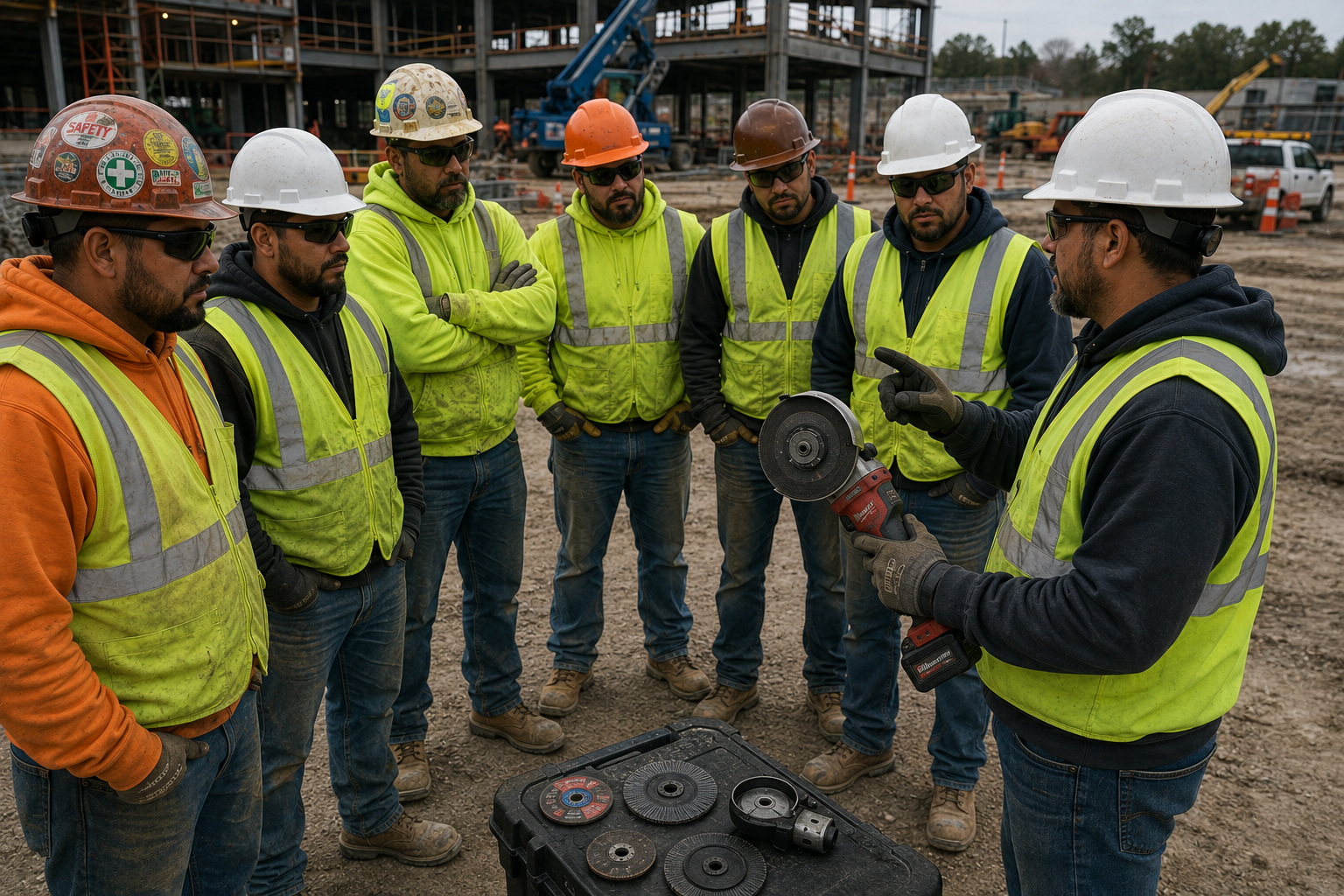
Quick 10–15 minute safety briefings conducted on site before or during work. Choose a topic from the library, walk through the pre-built discussion points, record attendance, and submit — keeping your crew informed and your records current without eating into work time.
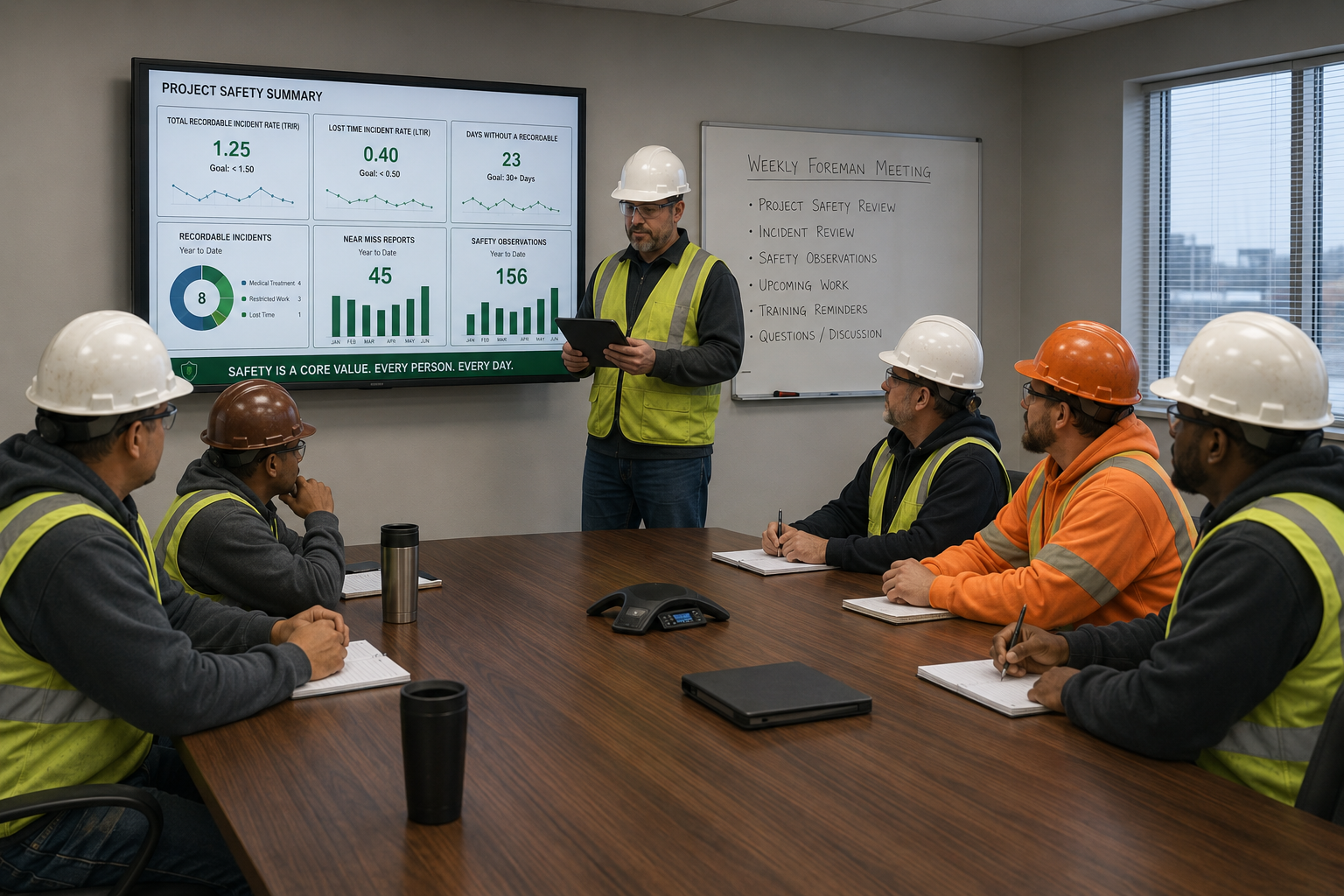
More formal safety meetings for deeper topics, toolbox sessions, or team-wide briefings. The same structured format — topic, discussion points, meeting details, attendance, and sign-off — with the flexibility to cover any safety subject your team needs.
Choose from a large library of safety topics — including Spanish versions — each with pre-developed discussion points and content so the conductor can run the meeting without preparing anything from scratch.
Set the project, date, time, and conductor for every meeting. Schedule meetings in advance or start one on the spot — either way the record is complete and tied to the right project.
During the meeting, the conductor can review the pre-built discussion points and topic content on screen — keeping the briefing structured and on track without relying on printed materials.
Select attendees from your project team and capture digital signatures for each person. The meeting summary shows attendee count, signatures received, and who has and hasn't signed.
Add a group photo and meeting notes — including observations or additional discussion points — before the conductor adds their signature and submits the completed record.
Before submitting, review the complete meeting summary — topic, project, date, time, conductor, attendees, signatures, group image, and conductor signature — then submit to generate the record.
View or download a complete meeting report as a PDF — including all details, attendees, signatures, and photos — for sharing or compliance records.
Search meetings and filter by Scheduled, In Progress, or Completed to find any record instantly. View history across all projects from a single dashboard.