SafetyLink Feature
Corrective Actions
Identifying hazards is one thing. Correcting them and tracking to resolution is another.
What it does
See it in action
-
Auto-generated
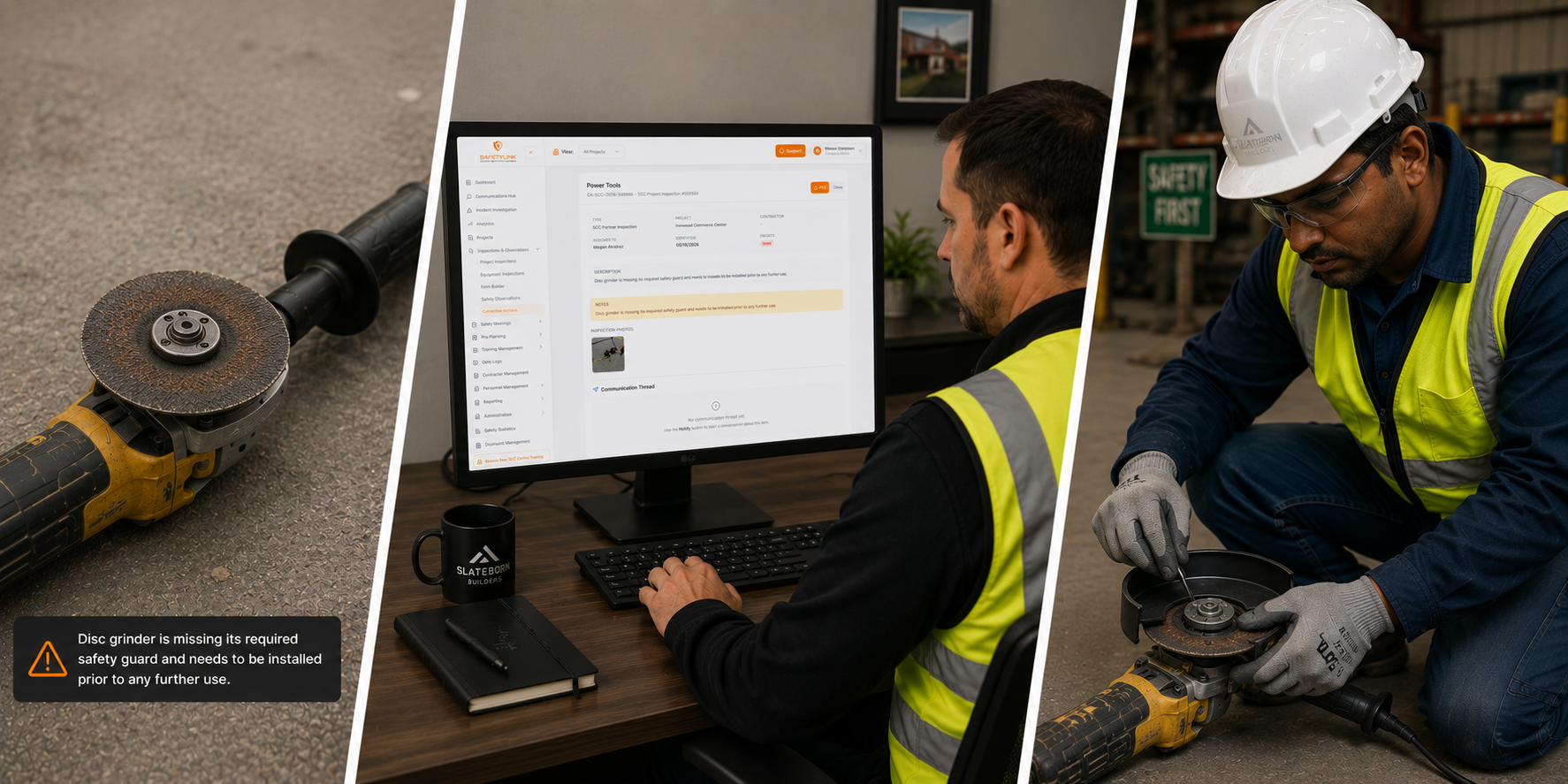
Every unsatisfactory inspection item and unsafe observation automatically creates a corrective action — no manual entry.
-
Tracked to resolution
Open and overdue items remain visible until verified complete — with full communication history on every action.
Key features
-
Feature 01
Dashboard with KPI tiles
See Total Actions, From Inspections, Unsafe Acts, and Unsafe Conditions at a glance — with a full list of all corrective actions below, showing count and pagination.
-
Feature 02
Filter by source and project
Filter by All Actions, Project Inspections, Equipment Inspections, or Safety Observations. Further filter by individual project — Canyon Ridge Estates, Granite Crossing, and more.
-
Feature 03
Search, priority and status
Search corrective actions by keyword. Filter by priority (High, Medium, Low) and status — to surface exactly what needs attention right now.
-
Feature 04
Full action detail
Each corrective action shows the item title, CA reference number, source inspection, project, contractor, identified date, due date, assigned person, type, description, and notes.
-
Feature 05
Notify, share and email
Notify your team in-app, share by email to external parties such as contractors, or send a personal email — all directly from the corrective action card.
-
Feature 06
View communications
Every notification, reply, and in-app message linked to a corrective action is captured and viewable in the communication thread — no context lost.
-
Feature 07
Resolve and close out
Mark any corrective action as resolved directly from the card. Open items remain visible until resolution is confirmed — keeping accountability clear.
-
Feature 08
Download report PDF
Download a PDF of any corrective action — or a full report across all actions — for sharing with clients, contractors, or for compliance records.